
Create a project
A Project is a collaborative workspace within the RAISE platform where a defined group of users can execute scripts against selected datasets and share results in a controlled and auditable way. Projects are designed to enable collaboration while preserving strict access boundaries across datasets, scripts, and users. Only the owner of the project can add/remove other users as members
Within a project:
- Any member may submit a script to be executed on one or more datasets available to the project.
- All project members can see submitted scripts, their execution status, and the resulting outputs.
- Results are visible only within the project and are not exposed outside its scope.
If a project member who already has processing access to a dataset or script brings that asset into a project:
- All other project members are granted equivalent access, only within the context of that project.
- This access allows members to use and execute the dataset or script inside the project.
- The granted access does not extend to other projects or to the platform at large.
Project Creation and management
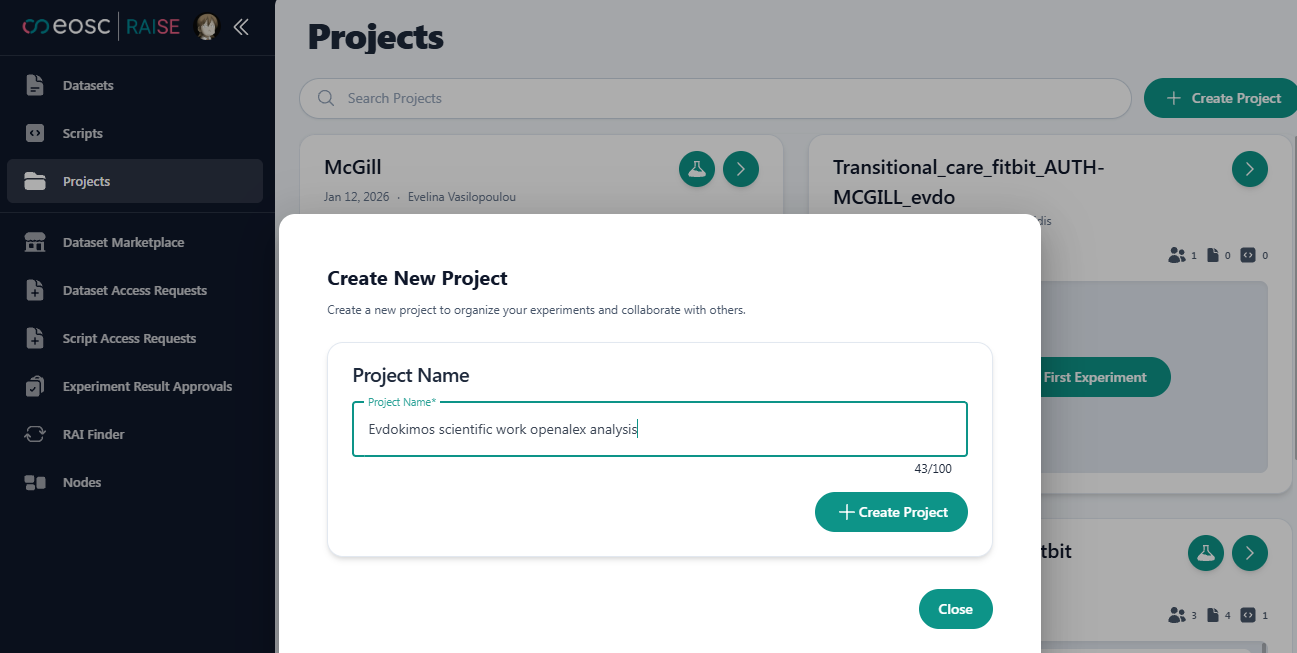
- By navigating to the the Projects’ tab in the Main menu the Create Project button can be found, and the user can define the projects name.
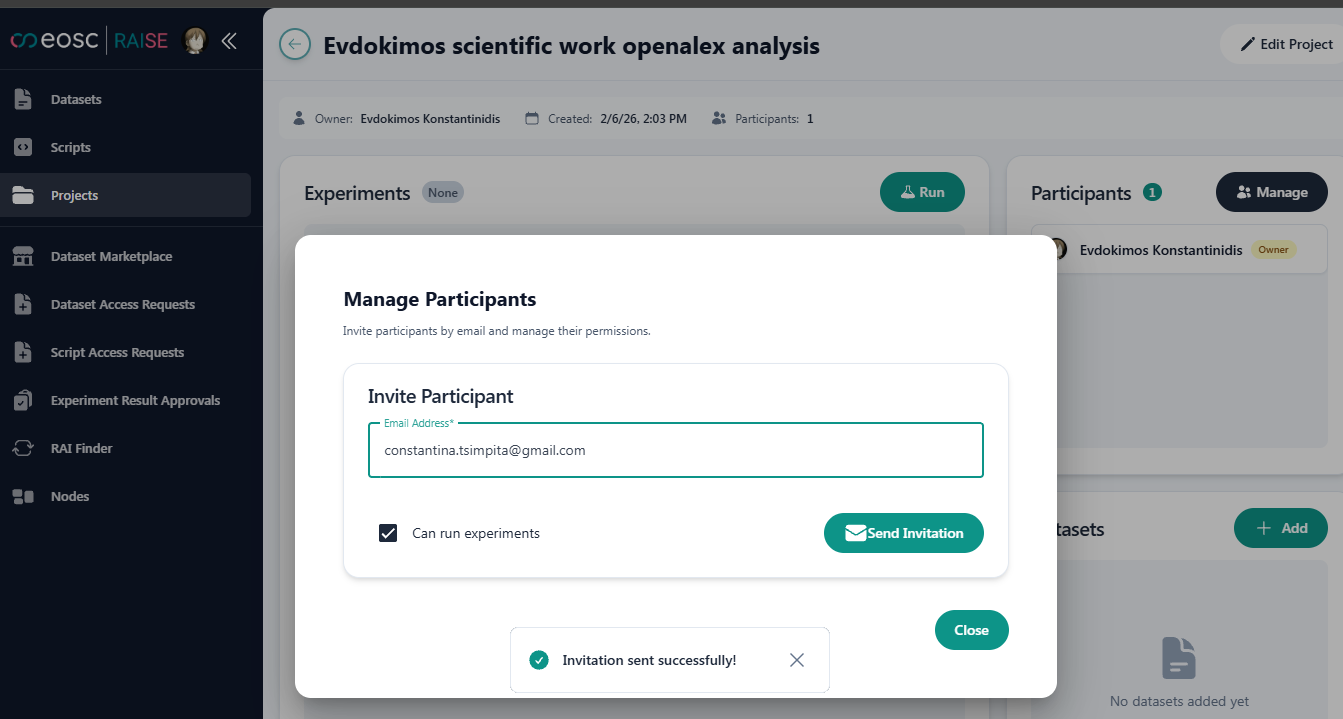
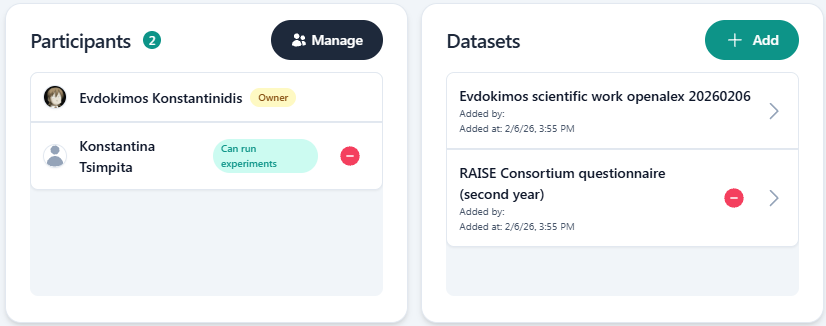
- The project owner can add other project contributors by using their emails. An email invitation is sent to the invited users and as soon as they accept they appear in the Participants section.
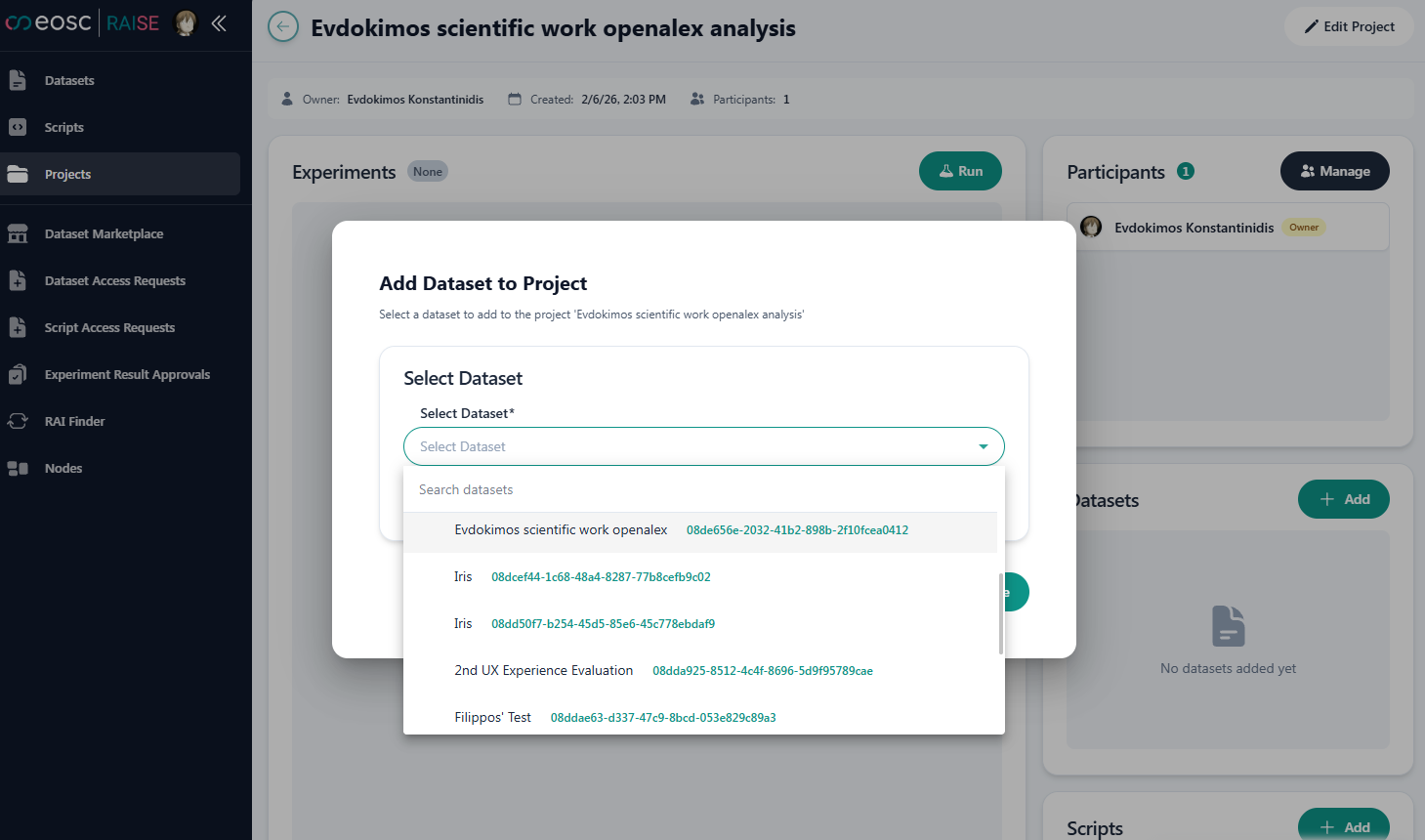
- Each collaborator can add in the project any of the datasets and scripts that has access to. Any dataset/script that is added in the project is then accessible by all the other collaborators for this project only.
- The project owner can remove any collaborator at any time. Any of the datasets that has’t been used in any of the executions yet, can be removed.
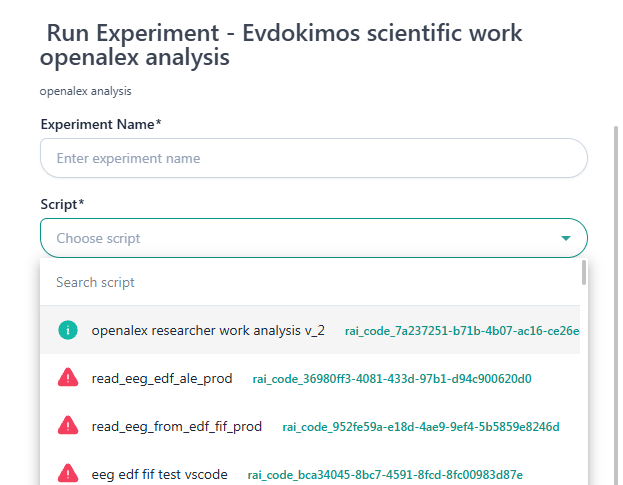
- see how to Execute experiments.