Upload your script
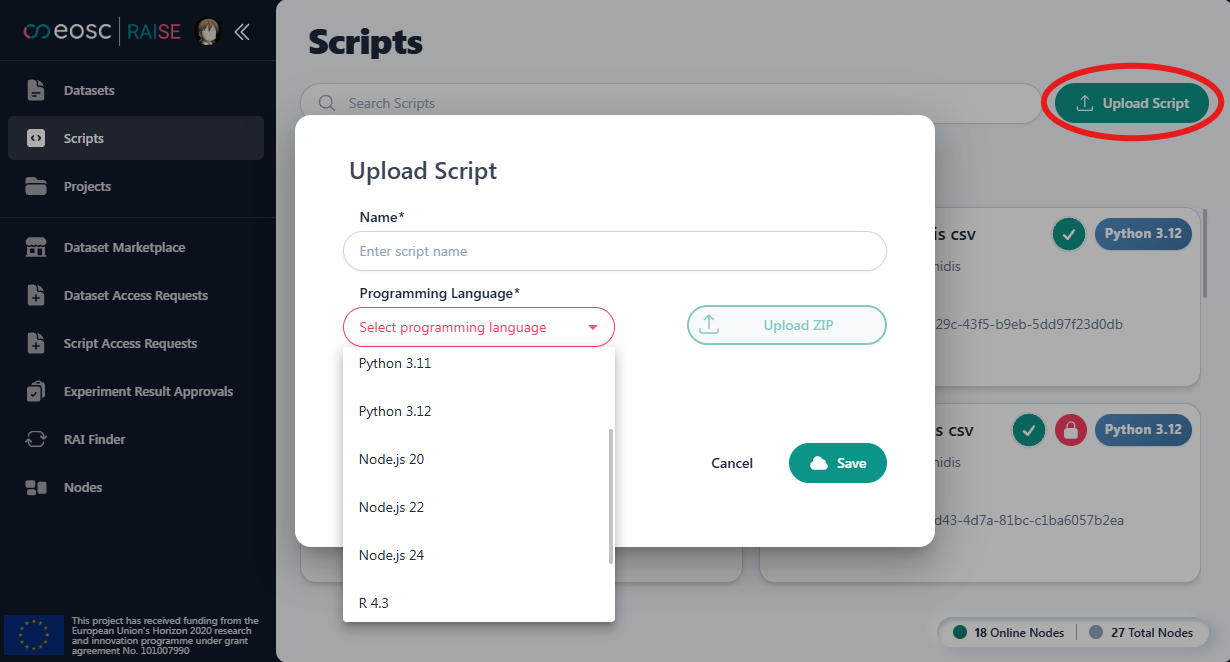
By selecting the “Upload Script” button, you are requested to select one of the supported Programming Lanuages (Python, Node.js or R) and upload a zip file with the required files for each type of script: Python, Node.js, R. More information on the script’s template can be found here.
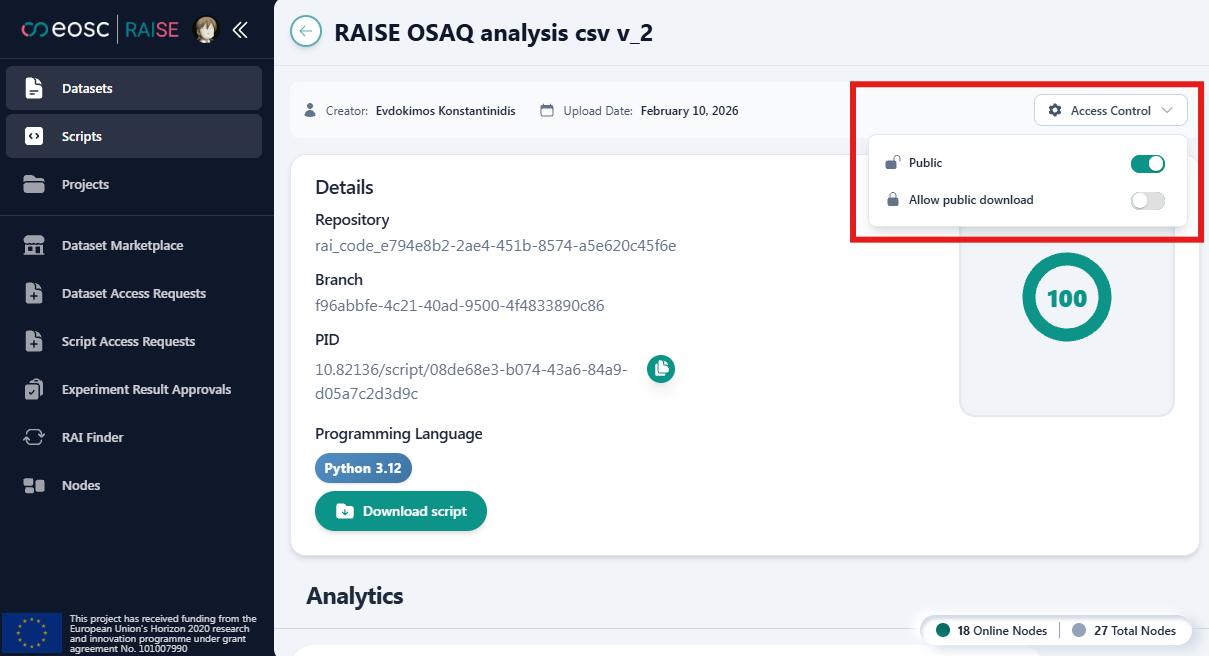
For each of your scripts you can define the access level:
- Default: Any user can request access for using you script. You can then grant/deny access.
- Public: Any user can use your script, without being able to download it. You always know who uses your script.
- Allow public download: Any user can use and donwload your script. You always know who uses your script.
Manage Scripts’ Access Requests
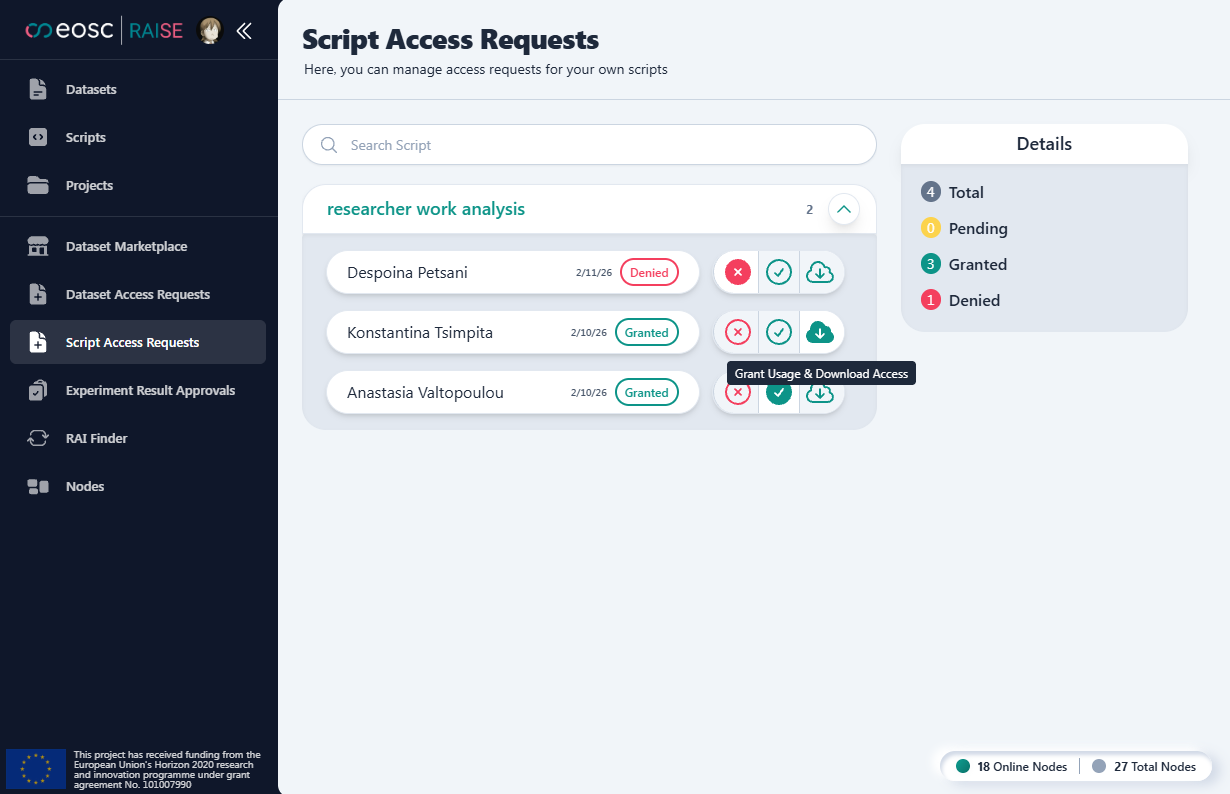
In the Script Access Requests menu you can manage the access requests for each user for each of your scripts. You can change access level at any time.