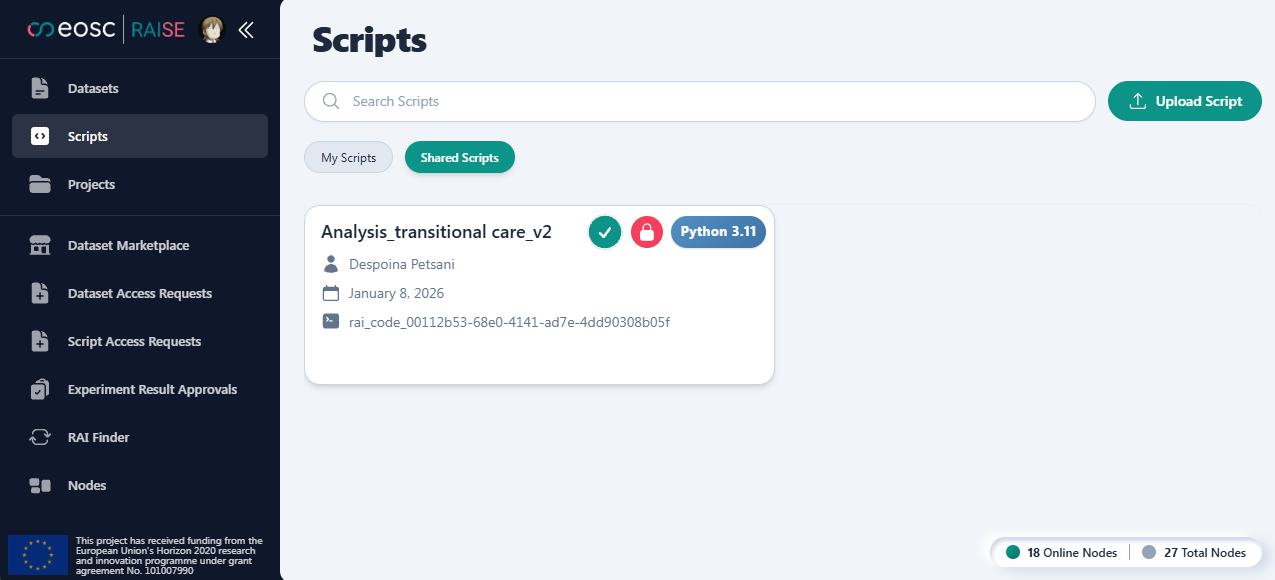

Add Shared Script in Dashboard
There is no script marketplace. You find other people’s scripts in one of these ways:
- A template script linked on a dataset details page
- A direct link to
/scripts/{id}that someone shared - A script PID resolved in RAI Finder
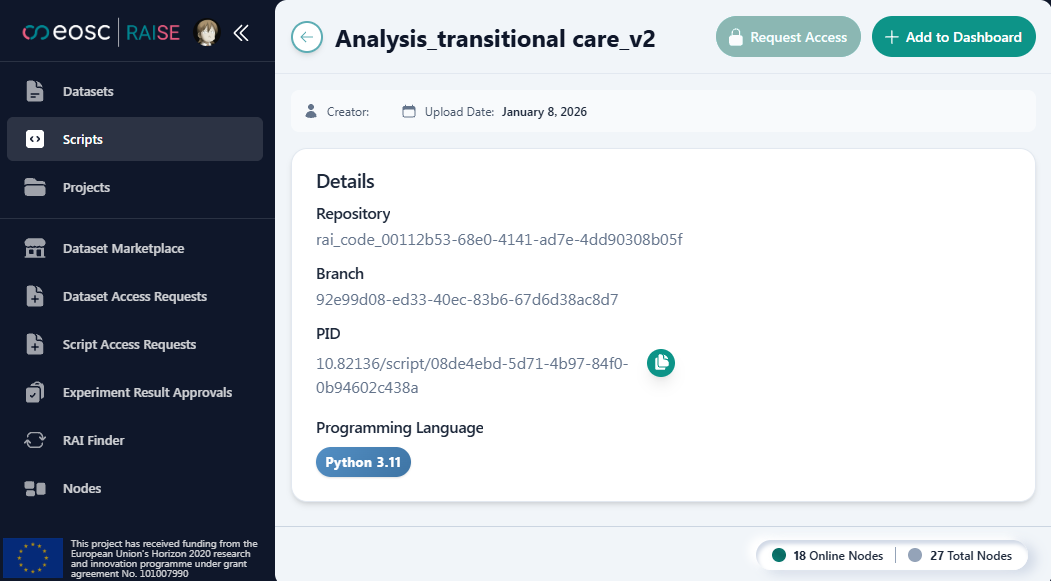
On the script details page, choose Add to Dashboard (no request required) or Request Access.
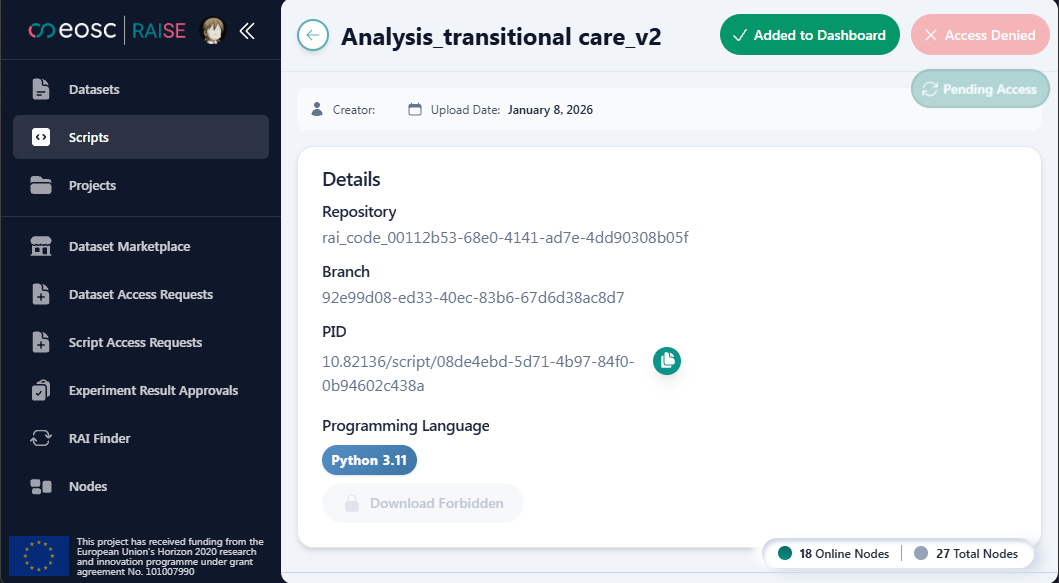
The script appears on your dashboard when access is granted. Pending or denied requests do not become usable shared scripts.
Shared Scripts on Scripts lists scripts you already have an access-request relationship with. It is not a browse-all catalogue.
You can then use those scripts in projects to run experiments.